
Overview: Gain & Ceiling
The AL-1's layout encourages a left-to-right workflow and is broken up into five columns:
- Gain
- Engine
- Link
- Optimizer
- Meter
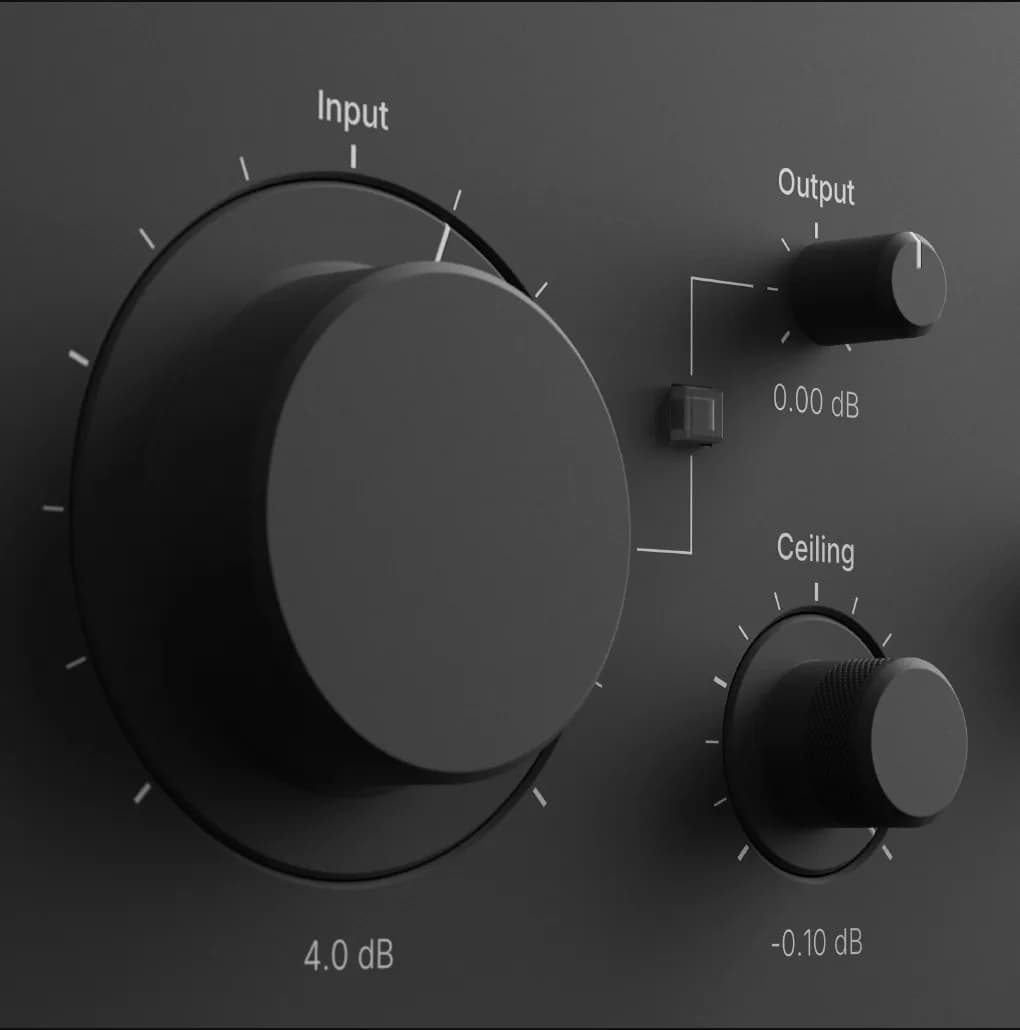
Gain
Input gain, output gain, ceiling, and unity are the options available in this section.
The input is pre-processing gain used to drive the signal into AL-1's ceiling with an available ±24 dB of digital gain.
Output is post-processing gain and used to control where the limiter's output will sit, post ceiling, with an available ±24 dB of digital gain.
Unity will automatically set the output to the inverse of input for easy A/B comparison.
Ceiling
Ceiling sets the limiter's threshold from -24 to 0 dBFS.
- Ceiling defaults to -0.1 dB
- With TP enabled, the Ceiling also sets the true-peak output ceiling.
- You can lower the Ceiling to limit low level material in a mixing context and compensate with the output.